
VN Template Codes for Travel Reels
Travel videos are the easiest videos to shoot and the hardest to edit well. Anyone can point a phone at a mountain or a beach and get a decent clip. The hard part is turning twenty random clips into a reel that feels like a journey — with the right pace, the right cuts, and the right mood. That is exactly where VN template codes for travel help. A good travel code does the editing structure for you: the timing, the transitions, and the colour are already built in, so your clips just need to fill the gaps.
In this guide we share seven travel template styles we have tried on real trips — mountains, beaches, road trips, city walks, train journeys, deserts, and heritage walks. Each one suits a different kind of footage, so you can pick the style that matches your trip instead of forcing one look onto everything.
What Are VN Template Codes?
Think of a VN template code as a short code shared by a creator that holds a complete editing recipe inside it. When you paste the code into the VN app, it loads a ready-made timeline: the order of the shots, the length of each clip, the transitions between them, the colour grade, and the way the cuts land on the music. You only add your own clips and the template fits them into that structure.
The idea is simple and it is why travel creators love these codes. A trip gives you dozens of clips shot in different light, at different times of day, with no plan. A template gives those clips a shape. A mountain code, for example, expects slow wide shots and holds them a little longer, while a city walk code expects quick cuts and busy streets. You are not editing from zero; you are starting from a structure that already works.
VN itself is a free video editing app for Android and iPhone, and templates are one of its most popular features. You do not need the paid version or any editing skill — if you can select clips from your gallery, you can use a template code.
How to Apply a VN Template Code in Minutes
Applying a code takes less time than choosing one. Start by copying the code of the style you want from a trusted source. Then open the VN app, go to the templates section, and paste the code where the app asks for it. VN will load the template and show you a preview with sample clips, so you can see the pace and the mood before you commit to it.
Next, open the template and choose your own clips from your gallery, in the order the template suggests. Wide shots usually go first, then closer details, then one strong closing shot. VN trims each clip to fit the template’s timing automatically, so you do not need to cut anything by hand. Watch the preview once, swap any clip that feels wrong, and then export the video in the highest quality the app offers.
Keep your original clips safe in a separate folder before you start, and export the finished reel at the highest quality the app offers. That way you can reuse the same clips with a different template later.
7 Travel Template Styles Worth Trying
Travel is not one kind of video. A quiet mountain morning and a crowded city market need completely different edits. The seven styles below cover the trips Indian creators shoot most often. Read them, find the one that matches your footage, and start there.
1. Mountain Escape
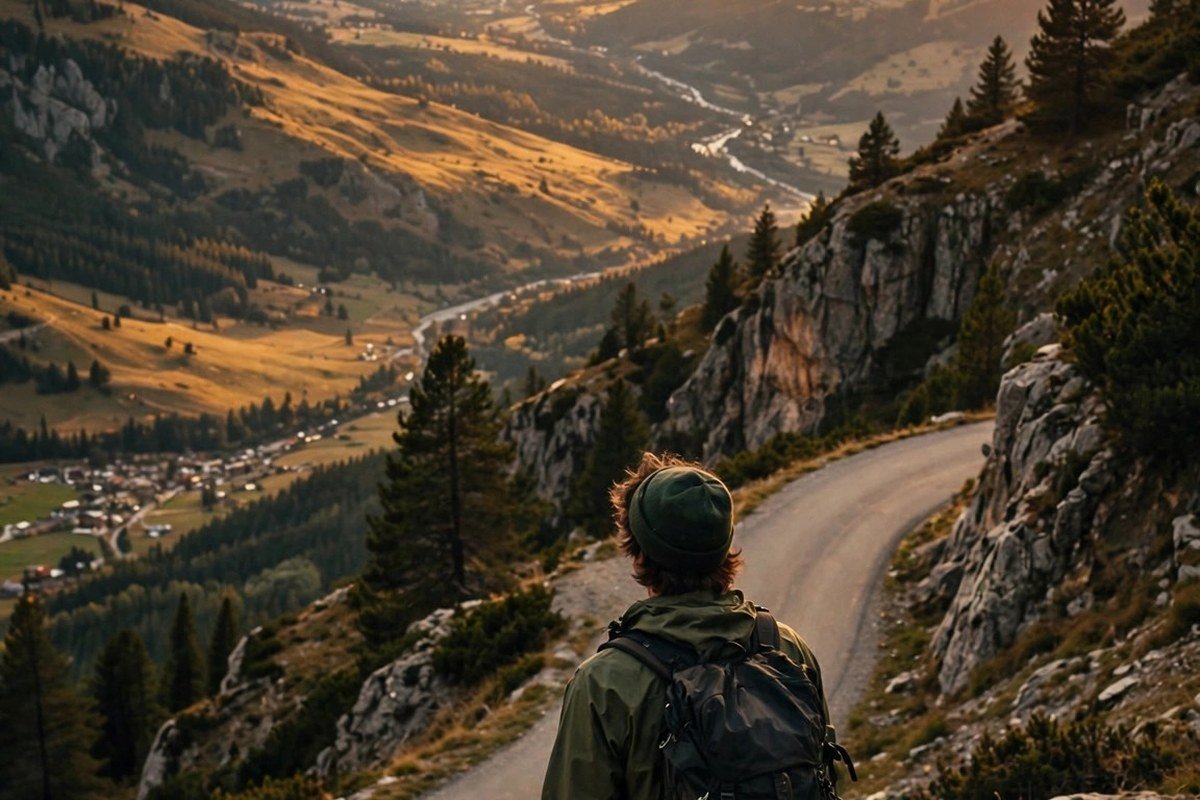
Slow, wide, and calm. Mountain templates hold each shot for a few seconds, use cool blue-green tones, and let mist, snow, and distance do the talking. They suit high passes, valley views, and early morning light. Use your steadiest shots here — shaky footage shows up fast in this style.
2. Beach Days
Bright, airy, and cheerful. Beach templates use warm sand tones, lifted shadows, and slightly faster cuts that match the rhythm of waves. They are made for barefoot walks, sunset silhouettes, and the golden light of late afternoon. They look best with real sunlight in your clips rather than flat, overcast light.
3. Road Trip
Steady rhythm and a sense of forward motion. Road trip templates mix dashboard views, highway lines, fuel stops, and small roadside moments into one flowing story. The cuts follow a driving beat, and the colours stay natural and warm. This is the right choice when your trip was mostly about the journey itself, not one destination.
4. City Walk
Quick cuts and busy energy. City walk templates are built for streets, markets, food stalls, and neon signs. They move fast, use punchy colours, and often shift from day to night in the same reel. They suit footage shot while walking, and they forgive shaky clips better than slow styles do.
5. Train Journey
Slow, thoughtful, and a little nostalgic. Train templates are built around window views, passing fields, station platforms, and the gentle rhythm of the journey. The cuts are long, the colours are soft and slightly warm, and the whole reel feels like a memory. This style is perfect for long journeys where the view outside the window was the best part of the trip.
6. Desert Dunes
Warm, wide, and dramatic. Desert templates use golden sand tones, deep shadows, and slow, sweeping shots that show how big and empty the landscape is. They suit camel rides, sunset dunes, and evening campfires, and they look best when your footage has strong, low sunlight.
7. Heritage Walk
Rich, warm, and detailed. Heritage templates are made for old forts, temples, palaces, and narrow lanes full of history. They use warm, slightly vintage tones, hold on carved details and doorways, and move at a calm pace that lets the place speak. This style suits footage from places like Jaipur, Hampi, or Varanasi, where every corner has a story.
How to Pick the Right VN Template Codes for Travel
Picking the right code matters more than picking a popular one. A template that suits your footage will make your reel look professional; a template that fights your footage will make it look awkward. Start by watching your clips once, without music, and notice three things: how much light you have, how steady your shots are, and what the mood of the trip actually was.
Match the light first. Golden evening clips belong in warm styles like Beach Days or Desert Dunes. Cool morning clips belong in Mountain Escape or Train Journey. Then match the pace: if your clips are short and busy, use a fast style like City Walk; if they are long and steady, use a slow style like Heritage Walk. Finally, count your clips. A template that needs twelve clips will feel empty with only five, and one that needs six will feel crowded with fifteen. Most templates tell you how many clips they expect, so check before you start.
Music is the last piece. A template usually comes with a suggested song or sound, and the cuts are timed to it. If you change the music, the cuts may stop landing on the beat, so keep the suggested music for your first try.
Tips for Travel Reels That Feel Like a Film
- Shoot more B-roll than you think you need. The small clips — a hand on a railing, a cup of chai, a street dog — are what make a travel reel feel real. Shoot them whenever you see them.
- Hold each shot for three seconds longer than feels natural. Templates need a little extra footage at the start and end of every clip to make clean cuts.
- Keep one light per reel. Mixing harsh noon clips with soft evening clips in the same reel makes the colour grade look uneven.
- End on your strongest shot. The last clip is the one people remember, so save your best view, your best smile, or your best sunset for the end.
- Export in the highest quality available. Travel footage loses detail quickly when it is compressed twice, so export once at full quality and post that file.
- Keep reels under 45 seconds. A short reel that ends while people still want more will always perform better than a long one they abandon halfway.
Frequently Asked Questions
Are VN template codes for travel free?
Yes. Most travel codes are free to use, and the VN app itself is free to download on Android and iPhone. Some creators share premium templates, but the free ones cover every style in this guide, and you do not need to pay anything to start.
Do I need the paid version of VN to use these codes?
No. The free version of VN handles templates, trimming, colour, and export. The paid version adds extra filters and removes the watermark on some exports, but none of the seven styles in this guide needs it.
How many clips does a travel template usually need?
Most travel templates expect between six and fifteen clips, depending on the style. Slow styles like Mountain Escape and Train Journey need fewer, longer clips. Fast styles like City Walk need more, shorter clips. Check the template preview before you start, and shoot a few extra clips on your trip so you always have spares.
Can I change the music in a VN template?
Yes, you can replace the music after the template loads, but the cuts were timed to the original song. If you change it, pick a song with a similar beat and speed, or be ready to adjust a few clip lengths by hand so the cuts land on the beat again.
Start With Your Next Trip
You do not need a big holiday to try these codes. A weekend drive, a day in your own city, or even a train ride to a nearby town gives you enough footage for one reel. Pick the style that matches your clips, apply the code, and post it while the trip is still fresh in your mind. When you want a different mood, our guide to VN template codes for cinematic video edits covers six film-like styles, and our trending CapCut templates for Instagram Reels will show you ten more looks for short-form video. Your next trip is already your next reel — you just need the right code for it.


2 Comments