VN vs CapCut: Which Is Better for Reels?
Every Reels creator hits the same question sooner or later: VN or CapCut? Both are free, both live on your phone, both are full of templates — and both can cut a Reel that looks like it took hours. So why do creators argue about them like rival cricket teams? Because the two apps are built for different kinds of editors. This honest comparison of VN vs CapCut looks at what each one actually does better, so you can pick the app that fits how you like to edit.
We cut the same clips in both apps — a travel montage, a birthday Reel, and a daily talking-head video — and compared templates, editing control, music, export quality, price, and ease of use. There is no single winner for everyone, so the verdict at the end is by use case: beginner, daily Reels, travel, and wedding edits.
VN vs CapCut at a Glance
One look at the table tells the story: CapCut wins on speed, VN wins on control. The sections below explain each row in detail.
| VN | CapCut | |
|---|---|---|
| Templates | Code-based, shared by creators | Huge in-app library, trending tab |
| Timeline | Multi-track, keyframes, speed curves | Multi-track, simpler, auto-captions |
| Music | Built-in library, import your own tracks | Huge trending sounds, beat sync |
| Export | Up to 4K at 60fps, no watermark | Up to 4K, no watermark on exports |
| Price | Free, Pro adds extra filters and effects | Free, Pro adds extra effects and cloud storage |
| Learning curve | A day or two to feel comfortable | An evening to make your first Reel |
| Best for | Creators who want full control | Creators who want speed |
Templates: Who Wins?
CapCut wins on volume. Open the app and the Templates tab shows what is trending right now, with thousands of ready-made looks you can apply in a few taps. The templates are built into the app, they are easy to find, and most of them are free. If your goal is a finished Reel in five minutes, CapCut’s library is hard to beat.
VN wins on flexibility. VN templates work through codes shared by creators: you paste a code, the template loads, and you drop in your clips. The library is smaller inside the app, but the codes travel everywhere — group chats, comments, and creator pages — so a good travel or cinematic code can reach you from anywhere. And because a VN template is really a full timeline, you can open it up and change anything inside it. If you like a template but want slower cuts or different colours, VN lets you rebuild it. Our VN template codes for cinematic video edits show how far that control goes, while our trending CapCut templates for Reels cover the fastest looks on the other side.
Editing Control and Timeline
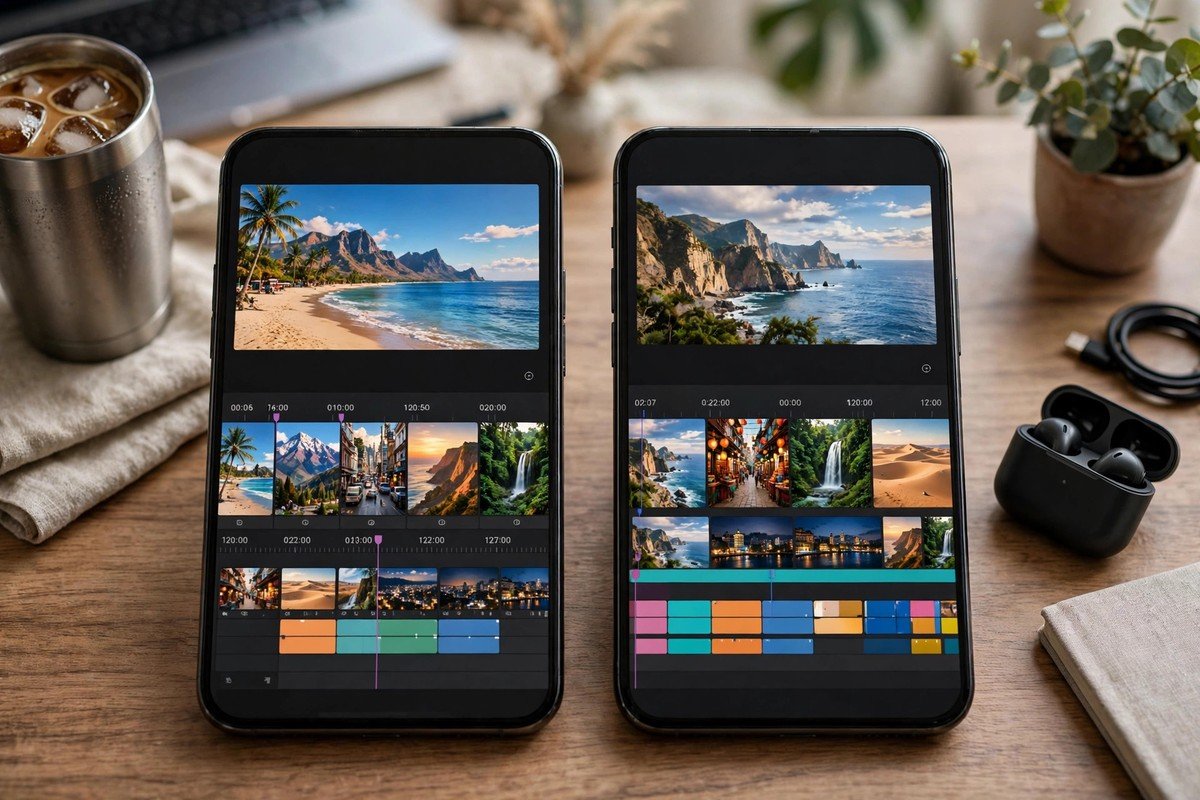
This is where VN pulls ahead clearly. VN gives you a proper multi-track timeline with keyframes, speed curves, and fine control over every clip. You can ease a zoom in slowly, ramp the speed up through a jump, or hold a shot for exactly two seconds. For travel montages and cinematic edits, that control is the whole game — the difference between a video that feels edited and one that feels designed.
CapCut has a multi-track timeline too, but it is built for speed, not surgery. Its strengths are auto-captions, background removal, and one-tap effects that would take ten minutes by hand in another app. The trade-off is that fine control is harder to reach: you can do most things, but the app keeps steering you toward its own shortcuts. For a daily Reel, that steering is a gift. For a wedding film, it can feel like a leash.
Music and Sound
CapCut wins on music, and it is not close. Its library is full of trending sounds, and the beat sync tools cut your clips to the rhythm almost by themselves. When a sound is going viral on Instagram, it is usually already in CapCut, ready to use. That matters, because a Reel with the right sound gets watched longer than the same Reel with a random track.
VN’s music library is smaller and quieter. You can import your own tracks, which is useful when you want a specific song, but you will spend more time finding and timing the music yourself. If music is the heart of your Reels — dance, transitions, beat drops — CapCut is the easier home. If you mostly use natural sound or a calm background track, VN’s library is enough.
Export Quality and Watermarks
Both apps export well, and neither one stamps a watermark on your finished video. VN exports up to 4K at 60fps in the free version, which is generous — most phones cannot even display that quality, but it means your export never looks worse than your footage. CapCut also exports up to 4K, and its compression is tuned for social apps, so a Reel exported from CapCut often looks slightly cleaner after Instagram compresses it again.
The practical difference is small. Export the same Reel from both apps, post both, and watch them on another phone — most viewers will not spot a difference. Pick the app you enjoy editing in, not the one with the bigger export number on paper.
Free vs Paid
Both apps are genuinely usable for free, which is why this comparison is fair at all. VN’s free version covers templates, trimming, colour, keyframes, and 4K export. The paid version adds extra filters, effects, and stickers — nice to have, never required. You can edit for a year in free VN and never hit a wall.
CapCut’s free version is just as generous: templates, effects, auto-captions, and high-quality export are all included. The paid plan adds more effects, cloud storage, and some premium templates. A few of the flashiest templates carry a premium tag, so if you fall in love with one of those, you may hit a paywall — but there are so many free ones that you can make Reels for months without ever paying. Get the free version of CapCut and the free version of VN from the official VN website, and try both before spending anything.
Ease of Use: Which Is Faster to Learn?
CapCut is faster to learn. A new user can open a template, swap in their clips, and post a Reel the same evening. The buttons are big, the flow is obvious, and the app explains itself as you go. If you have never edited video before, CapCut will make you feel capable within an hour.
VN takes a little longer — a day or two before the timeline feels natural. The extra controls mean extra buttons, and the template-code system takes one evening to understand. But that learning curve is short, and it pays off every time you edit: once you know where the keyframes and curves live, you can build looks CapCut would never offer you. Beginners should start with CapCut; anyone who plans to edit every week should give VN a weekend.
The Verdict by Use Case
There is no one winner, so here is the honest verdict for each kind of creator.
Beginner Making Their First Reels
CapCut. Its templates and auto-captions do more of the work for you, so your first Reel looks good fast, and early wins keep you posting.
Daily Reels and Trends
CapCut. Trending sounds, beat sync, and a huge template library mean you can ride a trend the same day it appears.
Travel and Cinematic Edits
VN. Keyframes, speed curves, and full timeline control let you shape a journey the way you felt it, not the way a template decided.
Wedding and Emotional Edits
VN. Slow, careful cuts and colour control suit vows, dances, and family moments far better than fast template energy.
Not Sure Yet
Keep both. They are free, they share your gallery, and many creators cut a quick Reel in CapCut and a careful one in VN on the same day.
Tips for Getting the Best Out of Either App
- Learn one app properly before switching. Two half-learned apps are slower than one you know well.
- Save the templates and codes you love. When a look works, keep it — the next Reel then takes minutes, not an evening.
- Watch your export on another phone. Colours and sharpness can look different on a friend’s screen, so check before you post.
- Let the footage choose the app. Fast, loud clips suit CapCut; slow, beautiful clips suit VN.
- Keep your original clips safe. Export once at full quality, and keep the raw clips in a separate folder so you can re-edit them later.
Frequently Asked Questions
Is VN really free?
Yes. VN is free to download on Android and iPhone, and the free version covers templates, trimming, colour, keyframes, and 4K export. A paid version exists with extra filters and effects, but none of the basics in this guide needs it.
Does CapCut put a watermark on Reels?
No. Videos you edit and export in CapCut do not carry a CapCut watermark. Some templates may show a small credit in the app preview, but the exported file is clean.
Can I use the same clips in both apps?
Yes. Your clips live in your gallery, not inside either app, so you can cut a Reel in VN, then open the same clips in CapCut and try its templates. Many creators keep both apps for exactly this reason.
Which app is better for beginners?
CapCut, by a small margin. Its templates and auto-captions do more of the work for you, so your first Reel looks good fast. VN takes a little longer to learn, but the control you gain is worth it if you plan to edit every week.
Pick One and Post Today
Download both — they are free — and cut the same Reel in each one tonight. You will feel the difference in ten minutes: CapCut hands you a finished look, VN hands you the controls. Keep the app that matches how you like to edit, and post the Reel today. The best editing app is not the one with the longest feature list. It is the one you actually open tomorrow.