
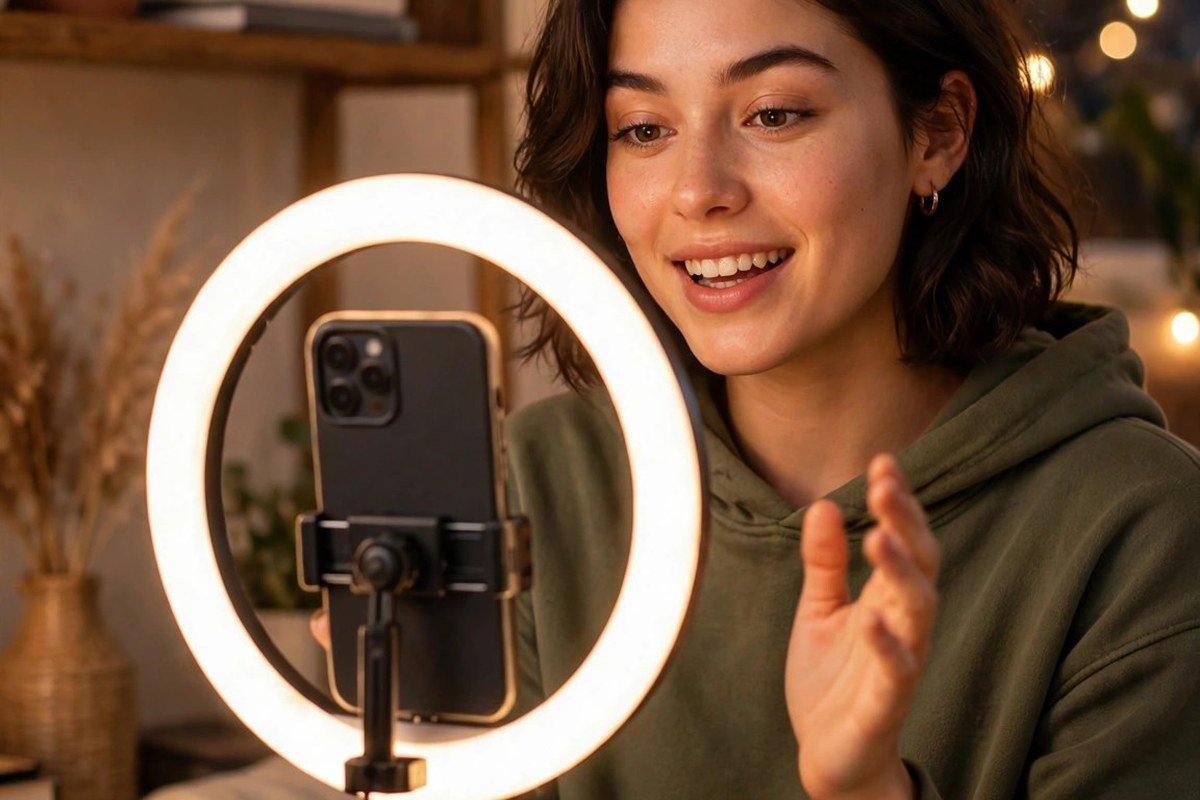
AI Video Editing Prompts for YouTube Shorts
YouTube Shorts look easy. Sixty seconds, a phone, and a good idea. But anyone who posts Shorts every day knows the truth: the first three seconds decide everything. That is why AI video editing prompts for YouTube Shorts are so useful — they plan the hook, the script, and the cuts before you open your editing app, so every Short starts strong and stays fast.
In this guide we share ready-to-copy prompts built for Shorts, not borrowed from Reels. On YouTube, viewers find videos through search as well as the Shorts feed, and a good title and description still matter. The prompts below cover hooks, scripts, clip plans, titles, and trending formats.
Why Shorts Need Different Prompts
A Reel and a Short may look the same on your phone, but the people watching them behave differently. Many viewers arrive through search, typing a question and expecting a fast answer; others arrive through the Shorts feed. Your first line has to work for both: clear enough for search, and fast enough for the feed.
Shorts also loop. When one ends, it plays again unless the viewer swipes, so a clean loop can quietly double your watch time. And unlike Reels, a Short has a title and description that YouTube reads, so the words you plan matter twice: once on screen, and once in search.
How to Use These AI Video Editing Prompts for YouTube Shorts
Boil your video down to a single line first — for example, “teach a beginner to fold a paper plane in under a minute.” That line is your topic. Drop it into the prompt where you see [your topic], and ask for a single piece at a time — the hook first, the script second, the clip plan last. One job per prompt keeps every answer sharp.
Keep your best prompts saved in one note. When a hook or script shape works, reuse the structure and change only the topic — that is how daily creators stay consistent. If you also make Reels, our AI video editing prompts for viral reels use the same idea with formats built for Instagram.
AI Video Editing Prompts for YouTube Shorts Hooks
The hook is the first line you say or show. On Shorts it has about three seconds to earn the next thirty.
- “Write 5 hooks for a 30-second YouTube Short about [your topic], each under 7 words, built for viewers who found the video through search.”
- “Create a pattern-interrupt opening for a YouTube Short about [your topic]. Start mid-action with no introduction, first line under 3 seconds, and end with a reason to watch to the end.”
- “Give me 3 hooks for a Short about [your topic] that start with a number or a result, like ‘3 mistakes’ or ‘in 30 seconds’. Make each one specific to the topic, not generic.”
- “Write a loop hook for a YouTube Short about [your topic]. The first and last lines should connect so the video replays smoothly, and the middle should deliver one clear tip.”
A strong Shorts hook names the result or the problem in plain words. “Fix dull photos in 30 seconds” works because it promises a result and a time.
AI Video Editing Prompts for YouTube Shorts Scripts
A Shorts script is not a speech. It is a short list of things to say, in order, with pauses where the viewer needs to see something.
- “Write a 45-second script for a YouTube Short about [your topic]. Hook in the first 3 seconds, three short points in the middle, and a closing line asking viewers to subscribe, in simple spoken words.”
- “Create a 30-second storytelling script for a Short about [your topic]. Start with the problem, show the turning point, and end with the result. Keep every sentence under 10 words.”
- “Write a tutorial script for a 60-second Short about [your topic]. Break it into 4 steps, one line per step, and add a pause cue where the viewer sees the result on screen.”
- “Give me a script for a Short that answers one search question about [your topic]. Open with the question as viewers would type it, answer it in 20 seconds, and end with one related tip.”
Read your script out loud before you film. If a sentence feels long when you say it, it will feel longer on video — cut it in half. Short sentences sound confident, and confident videos keep viewers watching.
AI Video Editing Prompts for YouTube Shorts Clip Plans
A clip plan tells you what to film and where to cut. Without one, most Shorts end up as a single long take that feels slow, even when the idea is good.
- “Plan a 30-second Short edit for [your topic] with 8 clips. Give the length of each clip, where to add a jump cut, and where to put on-screen text.”
- “Create a clip plan for a 60-second Short about [your topic] that uses B-roll. List the main clips and the B-roll shots, and say where each B-roll shot should cover a cut.”
- “Plan a loop edit for a YouTube Short about [your topic]. Tell me how to cut the ending so it flows back into the opening, and where to place the music so the loop feels smooth.”
- “Give me a retention edit plan for a Short about [your topic]. Mark where most viewers drop off and suggest one change at each point, like a zoom, a text pop, or a new angle.”
Cut on movement, not on silence. When your hand moves, when you turn, or when the scene changes, that is where the cut belongs — a cut on movement feels invisible, a cut mid-pause feels like a mistake.
Titles, Captions, and Hashtags for Your Shorts
On Shorts, the title is not decoration. YouTube reads it, viewers see it in the feed, and search uses it to decide who finds your video.
- “Write 5 titles for a YouTube Short about [your topic]. Each under 50 characters, searchable, and curious without clickbait.”
- “Create a description for a YouTube Short about [your topic]. First line repeats the promise, next two lines add one tip, and end with a subscribe call to action, under 100 words.”
- “Give me 5 hashtags for a Short about [your topic]. Mix one broad tag, two topic tags, and two small niche tags, and explain why each one fits.”
- “Write a pinned comment for a YouTube Short about [your topic]. Ask one question that invites replies, mention the next Short, and keep it under 30 words.”
Write the title after you finish editing, not before — once you can see the best moment, the title almost writes itself. Keep the first line of your description useful on its own, because that is the line viewers actually see.
Trending Shorts Formats to Try
A format is a shape viewers already recognise, so they know how to watch it. Borrow the shape, never the video: keep your own topic, clips, and words, and change the rest.
- “Adapt the ‘3 things I wish I knew’ Shorts format for [your topic]. Give me a hook, three quick points, and an ending that asks viewers to subscribe.”
- “Plan a ‘try this’ Short for [your topic]. Show the challenge in the first 5 seconds, the attempt in the middle, and the result at the end, total under 40 seconds.”
- “Create a reaction-style Short plan for [your topic]. Tell me what to react to, what to say in the first 5 seconds, and how to add your own tip without copying the original.”
- “Give me a ‘before and after in 30 seconds’ Short plan for [your topic]. List the clips, the on-screen text for each, and the music mood.”
When you use a trending format, change the topic, the clips, and the words — keep only the structure. A format that fits your topic brings viewers who stay; one that does not fit brings views that never turn into subscribers.
A Daily Shorts Workflow That Actually Works
Posting daily gets easier when the day has a shape. In the morning, pick one topic and run the hook prompt. By midday, film in one or two takes using the clip plan. In the evening, edit, write the title from the best moment, and post at the same time every day. If a Short does well, save its hook and format. If one flops, change one thing next time — the hook, the pace, or the title.
Mistakes to Avoid When Using Prompts for Shorts
The biggest mistake is copying the AI output word for word. Your viewers follow you, not a script generator, so read every line out loud and change the words until they sound like you. Do not ignore your analytics either: YouTube shows you exactly where viewers leave, and that point is your next edit. And do not post a Short without watching it once on your phone, full screen, sound on and sound off. If the text alone cannot carry the video, add on-screen words before you post. You can find the official rules and limits for Shorts on YouTube Shorts itself.
Frequently Asked Questions
Can AI video editing prompts for YouTube Shorts really help a small channel?
Yes. A small channel has no room for a weak opening, and a good prompt gives you a strong hook, a clear script, and a fast edit plan — exactly what a new viewer judges in the first three seconds.
How long should a YouTube Short be?
Most Shorts here are planned for 30 to 60 seconds — thirty for one tip, sixty for a short tutorial. Longer is fine only if every second earns its place.
Do I need a paid AI tool for these Shorts prompts?
No. The free tier of any AI chat app can handle the planning — hooks, scripts, and clip plans. The cutting still happens in a free editor like CapCut, so the plan is AI-assisted and the edit stays fully yours.
Can I use the same prompts for Reels and Shorts?
You can reuse the structure, but change the details. Shorts need a search-friendly title, a loop-friendly ending, and a description YouTube can understand. Reels lean more on the feed and the caption.
Post Your First Short Today
You do not need twenty prompts to start. Pick one topic, run the hook prompt, film the Short, and post it today — then do the same tomorrow. Shorts reward creators who show up daily with a clear hook and a fast edit, and these prompts take care of the planning so you can spend your time filming. When you are ready for more ideas, head to the PresetsEditor homepage for our other collections.


2 Comments