
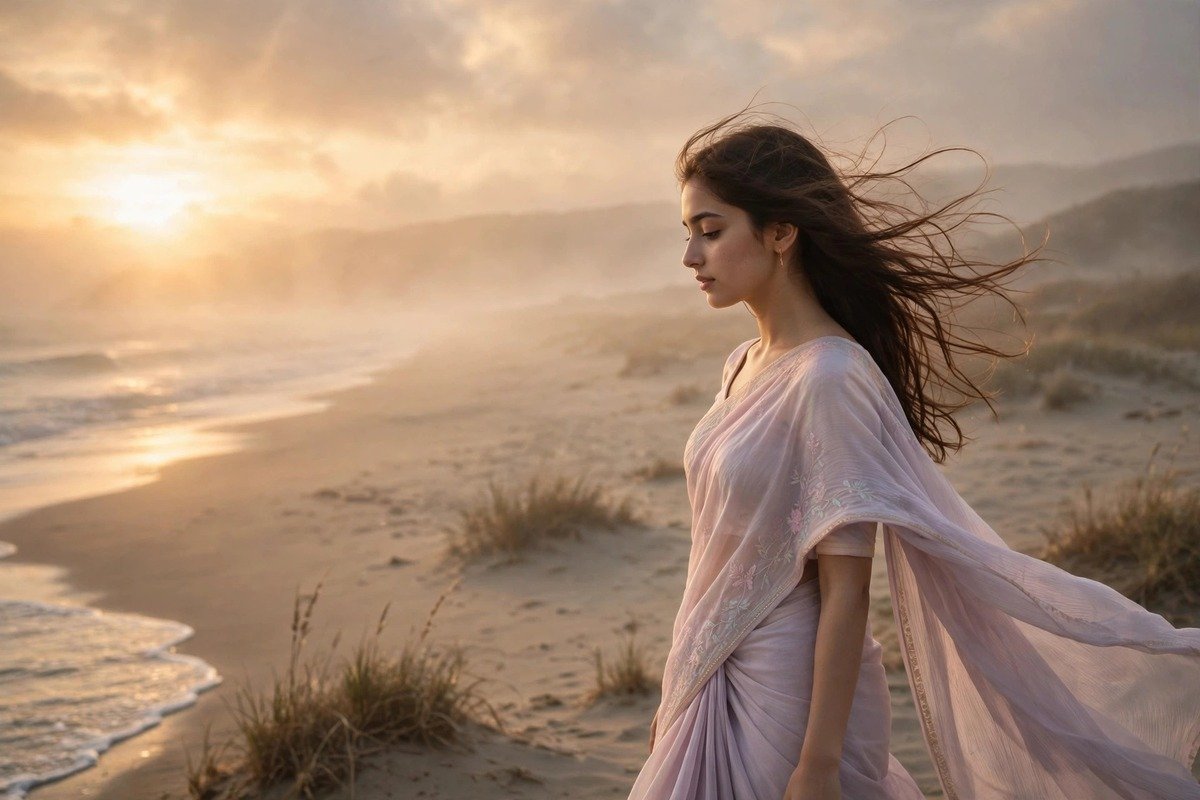
Malaril Malare CapCut Template Link
If you have opened Instagram even once in the last few weeks, you have heard it. That soft, dreamy melody starts, the screen slows down, and suddenly an ordinary clip of a walk, a smile, or a sunset looks like a scene from a film. That is the Malaril Malare CapCut template trend, and it has quietly become one of the most-shared reel formats of the year.
The good news is that you do not need editing skills to join in. A CapCut template does the timing, the transitions, and the effects for you. You only bring your own photos or clips, and the template shapes them into that slow, romantic flow the song is famous for. In this guide I will explain what the trend is, how the template works, twelve styles you can try with the same song, and the small tips that separate a reel people skip from one they save and share.
What Is the Malaril Malare Trend?
“Malaril Malare” is a gentle Malayalam song that found a second life on short video. Its slow tempo and emotional vocals make it perfect for reels, because the music itself tells you to slow down and feel the moment. Creators started pairing it with soft, cinematic clips — a couple holding hands, a bride getting ready, a solo traveller watching the sea — and the format spread far beyond its original language audience.
What makes it different from a fast dance trend is its patience. There is no rush, no jump cut every half second, no loud beat drop. The template holds each clip a little longer, lets the light breathe, and uses slow zooms and soft fades instead of sharp cuts. That is why it works so well for birthdays, anniversaries, and travel memories.
How a CapCut Template Actually Works
A CapCut template is a ready-made edit. Somebody has already chosen the music, set the clip lengths, added the transitions, and placed the effects on the timeline. When you open the template link in the CapCut app, you see empty slots marked with the number of photos or clips you need. You tap each slot, pick your own media from your gallery, and CapCut drops it into the edit in the right order and at the right moment.
The template handles the beat matching, so your clip changes land exactly when the music shifts. Most templates for this song use between four and ten clips, each lasting two to four seconds — long enough to feel the moment, short enough that the reel never drags. If you only have six good clips, pick a shorter version instead of repeating one. The official CapCut website is the safest place to check you have the real app and the latest version, and a real template always opens inside CapCut — it never asks for your password or a payment.
12 Malaril Malare Template Styles to Try
1. The Slow Cinematic Walk
This is the original style that started the trend. One person walks slowly toward or away from the camera while the template adds a gentle zoom and a soft warm filter. It works best in open places: a beach, a park path, a quiet street at golden hour. Keep your walk natural; the template is already slowing the footage down.
2. Couple Story in Ten Clips
This version tells a tiny love story in ten short clips: a first meeting photo, a laugh, a walk, a festival, a quiet evening. The template fades between each one so the whole reel feels like flipping through a photo album. Choose clips in chronological order — viewers love watching a story move forward.
3. Bridal Glow
Bridal reels made with this song get saved a lot, because the music suits the emotion of getting ready. Use clips of the outfit, the jewellery, the mehndi, and the first look, and let the template’s soft glow do the rest. Avoid harsh flash; natural window light looks far better with the slow fade.
4. Travel Memories Montage
If you came back from a trip with a hundred clips and no idea how to share them, this is your format. Pick your eight best moments — the road, the food, the view, the laugh — and let the template stitch them together. The song turns a simple holiday video into something that feels like a memory.
5. Solo Aesthetic Reel
You do not need a partner or a big occasion for this song. The solo version uses quiet clips of one person: reading by a window, drinking coffee, watching rain, walking alone. The template adds a soft blur at the edges and a slow zoom that makes ordinary moments look thoughtful and calm.
6. Birthday Soft Tribute
Instead of a loud birthday edit with confetti effects, this style keeps things gentle. Family photos, childhood pictures, and a few recent clips fade into each other while the song plays, and the whole reel feels like a warm hug. It gets shared a lot because people send it directly to the birthday person.
7. Black and White Classic
Some templates strip the colour out entirely, leaving a black-and-white edit with soft grain. This suits old photos, emotional tributes, and rainy-day clips. The song already sounds nostalgic, so removing colour doubles that feeling. Use it when your photos have strong light and shadow.
8. Golden Hour Glow
Shot during the last hour before sunset, this style is pure warmth. The template adds a golden tint and a slow light leak, and the song’s softness matches the light perfectly. Face the sun so it backlights your hair, and keep the clips steady — shaky footage breaks the calm mood.
9. Rainy Day Mood
Rain, wet streets, an umbrella, a window with drops running down it — this version leans into the monsoon mood the song already carries. The template slows the rain clips and adds a cool, soft filter. A clip of chai steam or a cloudy sky works too, as long as the colours stay muted.
10. Festival and Traditional Look
Traditional outfits, temple visits, festival lights, and family gatherings all suit this song beautifully. The template usually uses a warm filter and a slow zoom on each clip, which makes silk, gold jewellery, and diyas look rich without looking over-edited.
11. Friends Forever Edit
This one is for the group chat. Ten clips of your friends — laughing, travelling, eating, dancing badly — edited softly instead of loudly, so the reel feels like a memory rather than a party video. Every friend in it reposts it, which is the simplest way a reel reaches new people.
12. Before and After Glow-Up
The last style uses the song’s slow build for a transformation: an old photo, then a new one, then a few clips of the journey in between. It works for fitness, style, confidence, or simply growing up. Use real photos, keep the order truthful, and let the music carry the emotion.
How to Use the Template Step by Step
Using the template takes about five minutes once you know the steps. First, open CapCut and search for “Malaril Malare” in the templates section, or tap a template link shared by a creator you trust. When the template opens, read the preview and check how many clips it needs, then tap “Use Template” and select your photos or clips in the order you want them to appear.
Next, preview the result before you export. Watch it twice: once for the feeling, once for mistakes like a face cut off at the edges. If a clip feels wrong, swap it; do not rebuild the timeline — the template’s timing is its strength. When you are happy, export in the highest quality your phone allows. If you want a deeper walkthrough, our guide on how to use CapCut templates on PC covers the desktop flow too, and the trending CapCut templates for reels roundup shows what else is performing right now.
Tips That Make Your Reel Stand Out
- Use your best light. Shoot near a window or outdoors in soft light; the warm filter looks flat on dark, noisy clips.
- Pick clips with movement. A slow walk or a smile forming makes the slow zoom feel alive, while still photos can feel frozen.
- Keep faces in the centre. Templates crop clips to fit, so a face near the edge can get cut off; centre your subject when you shoot.
- Do not add extra text. One short caption line is enough. The song and the visuals are the story; too much text fights them.
- Match the mood, not just the song. A funny clip with this emotional music feels wrong; save the song for moments that are genuinely soft.
- Export in high quality. A blurry export ruins a soft, cinematic edit faster than any wrong clip choice.
Common Mistakes to Avoid
The most common mistake is using too many clips from the same moment. Ten photos of the same pose from slightly different angles feel like one long photo, and viewers swipe away. The second mistake is mixing very different colour styles — a bright beach photo next to a dark indoor one breaks the smooth flow the template is trying to create. Pick clips that share a similar light and colour family, and always watch the exported video before posting.
Frequently Asked Questions
Is the Malaril Malare template free to use?
Yes, most versions are free inside the CapCut app. Some use premium effects, and CapCut will tell you before you export if a paid feature is involved.
How many clips do I need?
It depends on the template, but most versions use between four and ten clips. Shorter versions suit a single moment, while the ten-clip versions suit a story or a tribute.
Can I change the music?
You can, but I would not recommend it. The song is the whole point — people stop scrolling because they recognise it. If the audio is unavailable in your region, choose a similar slow, emotional track rather than a fast one.
Why does my reel look different from the preview?
Usually it is the clips: the preview uses bright, steady footage, and the template expects the same. If your clips are dark or shaky, re-shoot in better light and try again.
Final Thoughts
The Malaril Malare trend works because it respects the moment. It does not shout, it does not rush, and it does not need a big production. Pick a style that fits your own clips, use your best light, and let the song do the emotional work. Your reel does not need to be perfect — it needs to feel true.